Organisation structure
Departments, units, jobs, grades and positions, with vacant positions visible at a glance.

HR and payroll software for organisations in Uganda. From the day someone is hired to the day they are paid: employees, recruitment, leave, performance and payroll in one system.
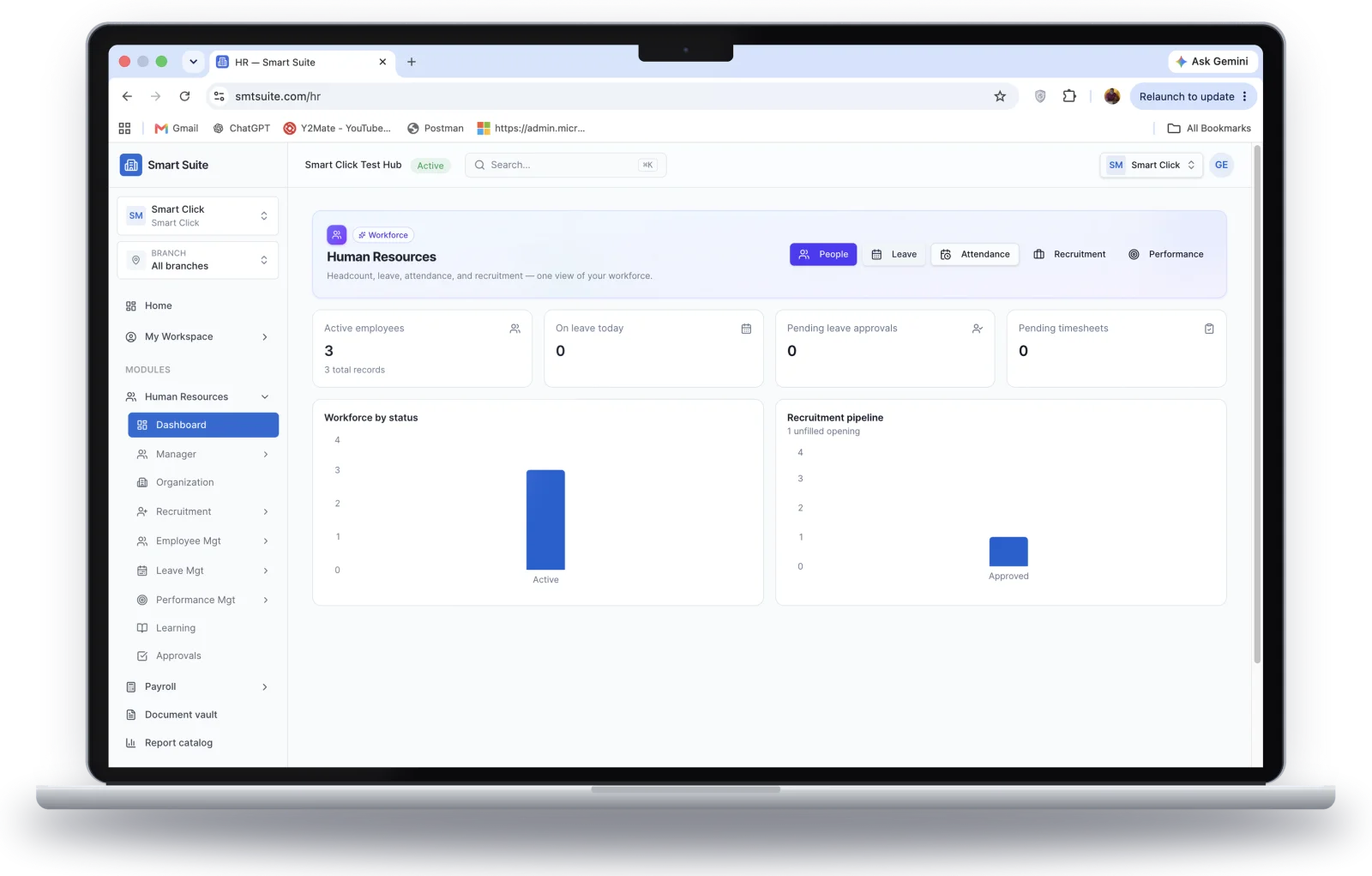
Key features
Each part points back to your organisation structure and employee records, so data is entered once.
Departments, units, jobs, grades and positions, with vacant positions visible at a glance.
Bio data, qualifications, family, bank details and full employment history in one profile.
Requests, vacancies, public apply links, automatic shortlisting, panel interviews and online job offers.
Promotions, transfers, salary changes and confirmations, applied automatically once approved.
Balances per leave type, annual plans, approvals, recall and year-end carry-forward.
Record daily attendance by period, with timesheets submitted and approved.
Staff appraisal plans, weekly reports, monthly reviews and midterm and annual appraisals.
PAYE and NSSF from gross pay, payslips and a bank payment list each period.
Employees and managers handle leave, appraisals and approvals in My Workspace.
Self-service
Employees and managers handle their own requests in My Workspace, on the web or on their phone.
My Workspace
Good morning
Recruitment portal
Publish a vacancy, share the apply link, and let candidates apply online with their documents.
Accountant
Finance · Full time
Candidate progress
How payroll runs
Calculate as often as you need while in draft. A different person approves before anything is paid.
Create the pay period against your pay calendar.
Gross, PAYE, NSSF and net pay for every enrolled employee.
Missing bank details, missing tax numbers or negative net pay are flagged.
A different person from the calculator approves the run.
Payslips are released, a bank payment list generated and the run marked paid.
Start small
You do not need every part on day one. Most organisations grow into the module in this order.
Build your structure and employee records first.
Add hiring and leave once the basics are steady.
Bring in appraisals and pay runs when you are ready.
Connected
HR & Payroll shares data and approvals with the platform, so nothing is re-keyed.
Posting a pay run creates an accounting entry, mapped to your GL accounts.
Named approvers for movements, recruitment, leave, performance and payroll.
Contracts and movement letters are generated and filed to each employee.
Self-service for employees and managers across leave, performance and approvals.
Other Smart Suite modules
Built for Uganda
Statutory set-up comes included, and controls keep every run accountable.
A standard Uganda set of earnings, deductions and benefits is included, and you can add your own.
Tax bands and statutory rates come set up, ready to check each year against current law.
The person who calculates a payroll run can never approve it.
Who uses it
Each person sees what they need, and permissions keep the rest protected.
Structure, records, recruitment, leave, performance set-up and payroll.
Approve movements, leave, recruitment steps and payroll runs they are named on.
See direct reports' leave and plans, and approve where named as an approver.
Own profile, leave requests, appraisal plans and weekly reports.
FAQ