
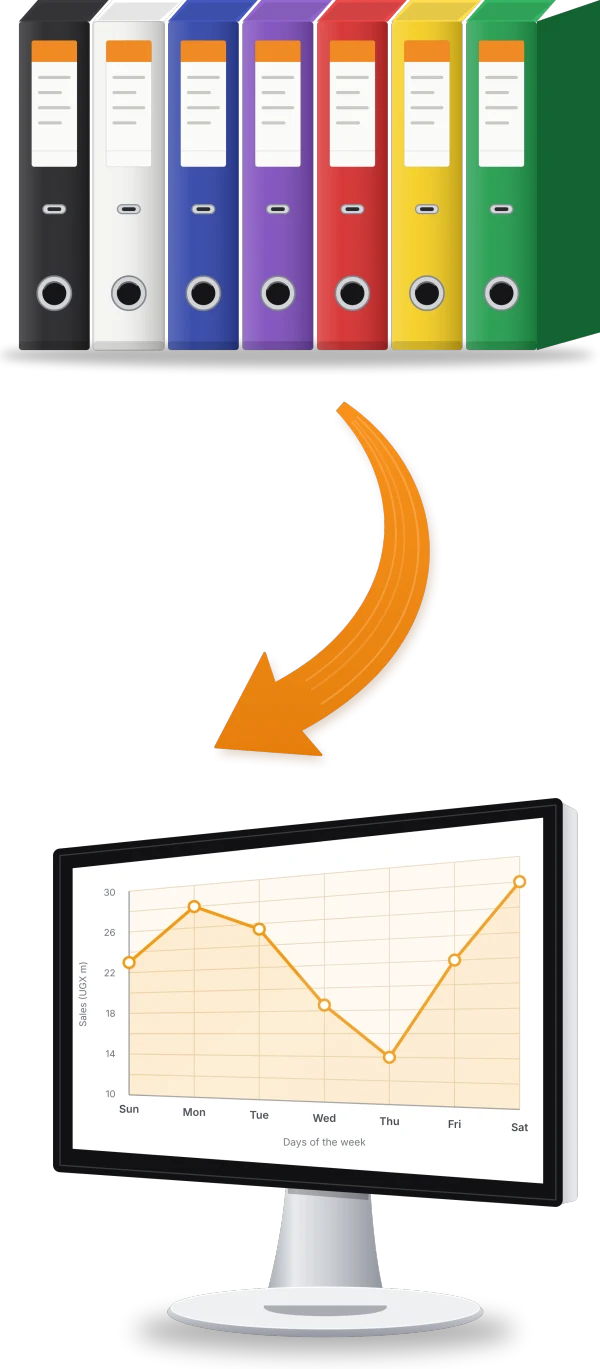
Paper files and spreadsheets work well until the business grows. Then the same figure lives in three places, reports take days, and only one person knows how the numbers fit together. Moving to one system fixes that, if the move is planned.
Signs you have outgrown paper
- Month end takes days of collecting and retyping figures.
- Stock on the books never matches stock on the shelf.
- Approvals wait for signatures from people who are away.
- You cannot see one branch's numbers without calling it.
- A key person's absence stops a whole process.
Step 1: Pick the processes to move first
Do not try to move everything at once. Start with the processes that hurt most or touch money, such as sales and invoicing, stock or payroll, and add the rest in phases once the first ones are running well.
Step 2: Clean the data before you load it
- Customers and suppliers: remove duplicates and fill in contacts and tax numbers.
- Items: one name, unit and code per item, with a current price and cost.
- Opening stock: count it, close to the go-live date.
- Opening balances: agree them with your accountant.
- Staff: records, contracts, bank details, TIN and NSSF numbers.
Step 3: Decide who does what
Agree who enters, who approves and who reports in each process. Good systems enforce this with user roles, which is also when many businesses tighten controls that were loose on paper.
Step 4: Train people on their own work
Train each team on the tasks they actually do, with their own data where possible. Short, practical sessions beat one long demonstration. Name a champion in each team who others can ask.
Step 5: Go live, then keep paper for a short while
Pick a clean start date, such as the first day of a month. For the first period, keep the old records to hand so you can check figures, then retire them once the team trusts the new system.
Step 6: Review after the first month
Look at what worked, what slowed people down and which reports are missing. Small changes in the first months make the difference between a system people tolerate and one they rely on.
How Smart Click helps
Smart Suite is modular, so you can start with the processes that matter most and switch on more modules as you go. Smart Click helps plan the move, load and check your data, train your team and support you after go-live. Where your process does not fit a ready-made module, we build custom software around it.